Exercise 6: Tearing Down Resources
Estimated time to complete: 5 minutes
Objectives
- Teardown resources using Terraform
Challenges
Challenge 1: Teardown Resources
Log back into your Cloud Shell session and use Terraform with the destroy argument to teardown the workshop resources.
Solution
-
As we still logged in with the service principal in our Azure Cloud Shell, we first need to switch back to your administrative account.
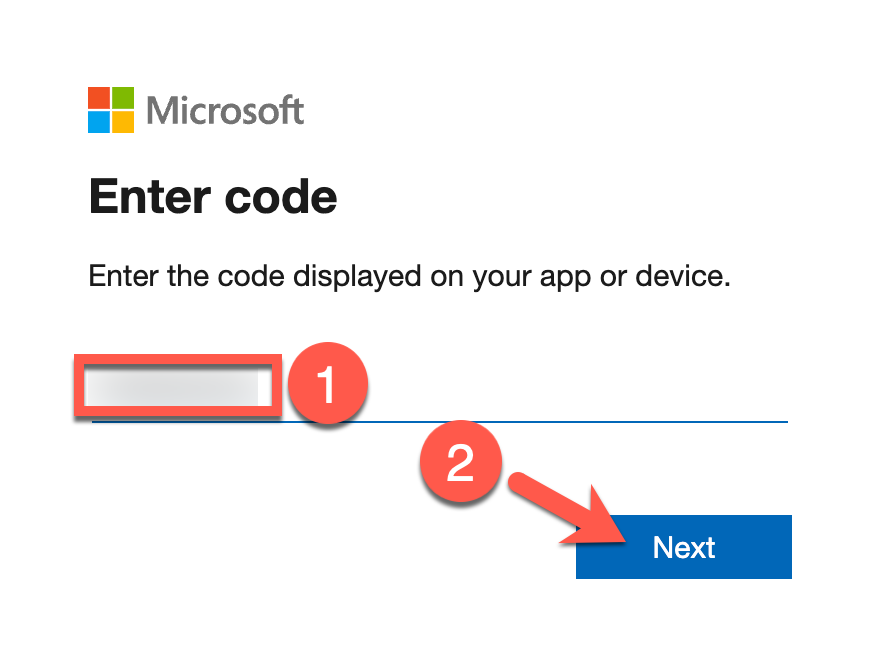
az login | jq -r '.[].user'You will be prompted to visit https://microsoft.com/devicelogin and provide the code shown in the Azure Cloud Shell to authenticate yourself.
Sample results
You may have multiple results based on the amount of subscriptions your user has access to in your tenant.
{ "name": "abraulik@XXXXXXXXXX.onmicrosoft.com", "type": "user" } -
Now, run that CloudShell session, run the following commands to destroy all workbook resources (answer the prompt with
yesand pressenterto tear everything down):cd ~/building-detections-azure/terraform terraform destroySample results
random_string.storage_account: Refreshing state... [id=38tto7i9p8mmxtrt]
data.azuread_service_principal.security_insight: Reading...
data.azuread_client_config.current: Reading...

<snip>

Do you really want to destroy all resources?
  Terraform will destroy all your managed infrastructure, as shown above.
  There is no undo. Only 'yes' will be accepted to confirm.

  Enter a value: yes

<snip>

azuread_application.storage_manager: Still destroying... [id=41bd06e9-adb4-4dd5-b0d8-504861dad6a9, 10s elapsed]
azuread_application.storage_manager: Still destroying... [id=41bd06e9-adb4-4dd5-b0d8-504861dad6a9, 20s elapsed]
azuread_application.storage_manager: Destruction complete after 21s

Destroy complete! Resources: 17 destroyed.